
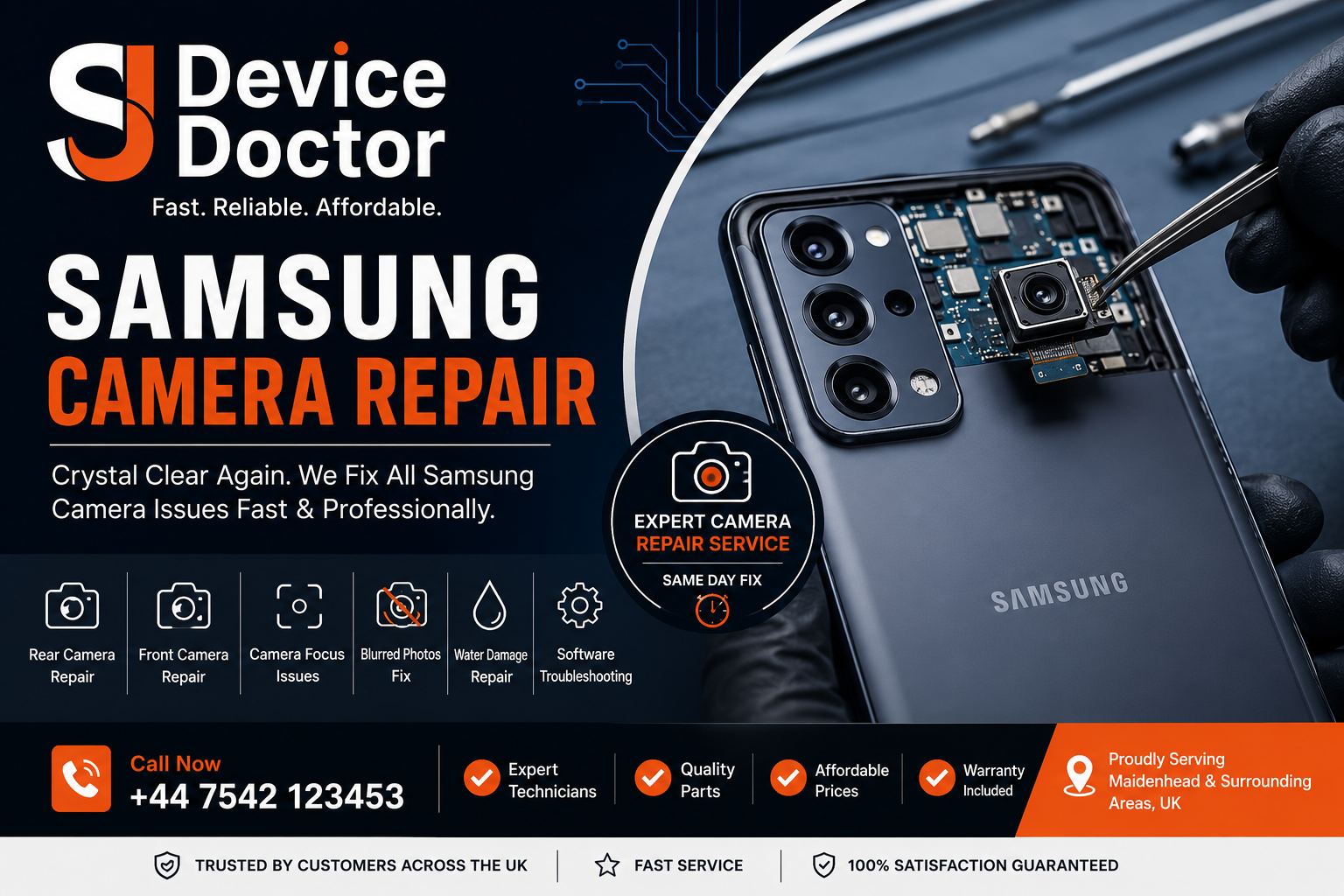
Samsung Galaxy smartphones are known for their impressive AMOLED displays, advanced camera systems and powerful performance. From the Galaxy S Series and Galaxy Note to the Galaxy A Series and newer Galaxy models, these devices are designed to deliver a premium smartphone experience.
However, accidents and everyday use can eventually cause problems.
A single drop can crack the display or damage the camera glass. A camera may suddenly stop focusing, while a damaged AMOLED screen can develop black spots, lines or touch problems.
When this happens, professional Samsung Galaxy Screen Repair UK and Samsung Galaxy Camera Repair UK services can provide a more affordable alternative to replacing the entire phone.
Whether your Galaxy has a cracked screen, damaged camera lens, blurry camera, broken display or touchscreen problem, professional diagnostics should be the first step.
Common Samsung Galaxy Screen Problems
1. Cracked Samsung Galaxy Screen
A cracked screen is one of the most common smartphone problems.
The damage can happen when your phone:
- Falls onto a hard surface
- Is dropped down stairs
- Gets crushed inside a bag
- Experiences pressure in a pocket
- Is hit by another object
A small crack may initially appear harmless, but continued use can make the damage worse.
A professional Samsung Galaxy Screen Replacement can restore the display and touchscreen.
2. Broken AMOLED Display
Many Samsung Galaxy models use AMOLED or Dynamic AMOLED technology.
If the display itself has been damaged, you may notice:
- Black spots
- Coloured lines
- Flickering
- Dark patches
- Green or purple tint
- Completely black display
In these cases, replacing only the outer glass may not be enough. A complete display assembly may be required.
3. Touchscreen Not Working
Physical damage can affect the touchscreen digitiser.
You might experience:
- Certain areas not responding
- Ghost touches
- Delayed touch response
- Random selections
- Complete touchscreen failure
If the phone still displays an image but touch does not work, a technician should diagnose the display assembly before recommending replacement.
Common Samsung Galaxy Camera Problems
Samsung Galaxy smartphones feature sophisticated camera systems, but these components can also become damaged.
1. Samsung Camera Is Blurry
Blurry photographs can be caused by:
- Dirty camera lens
- Cracked camera glass
- Autofocus failure
- Camera module damage
- Stabilisation problems
- Software issues
Before replacing the camera, the technician should determine the actual cause.
2. Samsung Camera Not Focusing
Autofocus problems can make both photographs and videos difficult to use.
You may notice the camera:
- Continuously searches for focus
- Cannot focus on close objects
- Produces blurry photographs
- Focuses and unfocuses repeatedly
A damaged camera module may require replacement.
3. Cracked Camera Lens
The external camera glass protects the camera module underneath.
If the glass is cracked, dust or moisture may potentially reach the camera assembly.
Depending on the Samsung Galaxy model and damage, Samsung Galaxy Camera Lens Repair may be possible without replacing the entire camera.
4. Camera Showing a Black Screen
If the Camera app opens but displays a completely black preview, the issue could be:
- Software-related
- Camera module failure
- Connector damage
- Internal motherboard fault
- Physical impact
Professional diagnostics can identify the source.
When Should You Repair Your Samsung Galaxy?
Consider professional repair if you notice:
- Cracked display
- Broken camera glass
- Blurry photographs
- Camera not focusing
- Black screen
- Touchscreen failure
- Display lines
- Flickering
- Camera shaking
- Flash not working
- Front camera failure
- Rear camera failure
Ignoring physical damage can sometimes lead to additional problems.
Samsung Galaxy Screen Replacement Cost UK
The cost of a Samsung Galaxy Screen Replacement Cost UK service depends heavily on the exact model.
A Galaxy A Series screen, for example, may have a different replacement cost from a flagship Galaxy S Ultra model.
Indicative UK Pricing
| Repair | Typical Price Range |
|---|---|
| Screen diagnostics | £0–£40 |
| Galaxy A Series screen repair | £70–£180+ |
| Galaxy S Series screen repair | £120–£350+ |
| Galaxy Ultra screen repair | £180–£450+ |
| Camera lens glass repair | £40–£100+ |
| Front camera repair | £60–£150+ |
| Rear camera repair | £80–£250+ |
| Water damage repair | From £60+ |
These are indicative ranges only. The final price depends on the Samsung model, component required, parts availability and extent of damage.
For accurate pricing, customers should provide the exact Galaxy model before booking.
Samsung Galaxy Camera Repair Cost UK
The Samsung Galaxy Camera Repair Cost UK can vary depending on whether the problem is with the camera glass or the actual camera module.
Camera Glass Damage
If only the external camera lens is cracked, a glass replacement may be considerably cheaper.
Camera Module Damage
If autofocus, stabilisation or the camera sensor has failed, the complete camera module may need replacing.
This makes proper diagnostics important before giving a final price.
Genuine vs Compatible Samsung Galaxy Parts
Choosing the right replacement part can make a significant difference.
| Feature | Genuine/OEM-Quality Part | Compatible Part |
|---|---|---|
| Compatibility | Excellent | Varies |
| Performance | Designed for model | Depends on quality |
| Price | Higher | Usually lower |
| Display quality | High | Varies |
| Camera performance | High | Depends on component |
| Warranty | Provider dependent | Provider dependent |
Customers should always ask the repair provider what type of component will be used.
Samsung Galaxy Screen & Camera Repair Process
A professional Samsung Galaxy Repair Service UK normally follows several stages.
Step 1: Device Inspection
The technician examines the phone for visible damage.
This can include:
- Cracked glass
- Display damage
- Camera lens damage
- Frame damage
- Liquid exposure
Step 2: Diagnostics
The technician tests the affected components.
For a screen repair, this may include:
- Touch response
- Display brightness
- Colours
- Proximity sensor
- Front camera
For camera repair:
- Autofocus
- Image quality
- Video
- Flash
- Stabilisation
- Front and rear cameras
Step 3: Repair Quote
Once the problem has been identified, the customer receives the repair cost.
A professional repair provider should explain whether a glass-only repair, component replacement or complete assembly replacement is required.
Step 4: Component Replacement
The damaged component is carefully removed and replaced.
Modern Samsung phones can contain delicate:
- Flex cables
- Sensors
- Camera modules
- AMOLED displays
- Connectors
This is why professional tools and experience matter.
Step 5: Testing
After installation, the device is tested thoroughly.
For a screen replacement:
- Touch
- Brightness
- Display
- Cameras
- Sensors
- Speaker
- Microphone
For camera replacement:
- Photography
- Video
- Autofocus
- Flash
- Stabilisation
- Front camera
- Rear camera
Step 6: Final Quality Check
The device is cleaned, reassembled and checked before being returned.
How Long Does Samsung Galaxy Repair Take?
Repair time depends on the model and the type of damage.
Typical turnaround:
Simple camera lens repair: Around 30–90 minutes
Screen replacement: Around 1–3 hours
Camera module replacement: Around 1–2 hours
Complex motherboard or water damage: Same day to several days
Same-day service may be available when the correct replacement part is in stock.
Samsung Galaxy Screen Repair vs Buying a New Phone
A broken screen does not automatically mean that you need a new smartphone.
Repair may be better when:
- The phone works normally apart from the screen
- Battery health is acceptable
- Cameras work correctly
- The device is relatively recent
- Repair cost is reasonable
Replacement may make more sense when:
- The phone has multiple major faults
- The motherboard is badly damaged
- Repair costs are close to the phone’s current value
- The device is very old
A professional diagnostic assessment can help you make the right decision.
How to Protect Your Samsung Galaxy Screen and Camera
Prevention is always better than repair.
Use a Quality Protective Case
Choose a case with raised edges around the display and camera area.
This can reduce the impact of accidental drops.
Use a Screen Protector
A good screen protector can help protect against scratches and minor impacts.
It cannot guarantee that the original screen will never break, but it provides an additional protective layer.
Protect the Camera Lens
Avoid placing your Galaxy face-down on rough surfaces.
A camera lens protector may also provide additional protection, although low-quality accessories can affect image quality.
Keep Liquids Away
Although some Samsung Galaxy models have water-resistance ratings, liquid exposure can still cause damage.
Avoid deliberately exposing your phone to water.
What Should You Do If Your Samsung Galaxy Screen Breaks?
If your screen breaks, follow these steps:
1. Check Whether the Phone Still Works
Try to determine whether the display and touch functions are operational.
2. Back Up Your Data
If possible, back up important photographs, contacts and documents.
3. Avoid Pressing Broken Glass
Broken glass can cause cuts and further damage.
4. Don’t Attempt DIY Repair
Modern Galaxy phones can be difficult to disassemble safely.
5. Contact a Professional Repair Technician
Provide the exact Samsung model so the technician can check parts availability and provide an accurate quotation.
What Should You Do If Your Samsung Camera Stops Working?
If the camera suddenly becomes blurry or stops working:
- Clean the camera lens carefully.
- Restart the phone.
- Test the front and rear cameras.
- Check whether the flash works.
- Install available software updates.
- Check for visible camera glass damage.
- Arrange professional diagnostics if the problem remains.
If the phone has suffered a drop or liquid exposure, professional inspection is particularly important.
Why Choose Professional Samsung Galaxy Repair?
A reliable repair provider should offer:
- Experienced technicians
- Proper diagnostic equipment
- Quality replacement components
- Transparent pricing
- Repair warranty
- Device testing
- Clear communication
- Fast turnaround where possible
Don’t choose a repair provider based purely on the lowest price.
A poor-quality screen or camera component can result in additional problems and another repair bill.
FAQs About Samsung Galaxy Screen & Camera Repair
1. How much does Samsung Galaxy screen repair cost in the UK?
The cost depends on the exact Galaxy model and display assembly required. Repairs can range from relatively affordable A Series replacements to considerably more expensive flagship Ultra displays.
2. Can a cracked Samsung Galaxy screen be repaired?
Yes. Depending on the damage, the display assembly or specific screen component may be replaced.
3. Why is my Samsung Galaxy camera blurry?
A dirty lens, cracked camera glass, autofocus problem, stabilisation fault or damaged camera module can cause blurry photographs.
4. Can Samsung camera glass be replaced?
In some cases, yes. If the external camera glass is damaged but the camera module remains functional, glass replacement may be possible.
5. Why won’t my Samsung Galaxy camera focus?
Autofocus failure can result from physical impact, camera module damage, software problems or stabilisation faults.
6. How long does Samsung Galaxy screen replacement take?
Many standard screen replacements can take around one to three hours, although the actual time depends on the model, parts availability and damage.
7. Will screen replacement delete my data?
A standard screen replacement should not normally require data deletion. However, backing up your data before repair is strongly recommended.
8. Is it worth repairing an older Samsung Galaxy?
It depends on the repair price and the condition of the phone. If the rest of the device works well, repair can be more economical than purchasing a replacement.
9. Can water-damaged Samsung phones be repaired?
Water-damaged phones should be inspected as soon as possible. Successful repair depends on the extent of corrosion and which components have been affected.
10. Where can I get Samsung Galaxy screen and camera repair in the UK?
You can use Samsung, an authorised repair provider or a reputable independent repair shop. Compare technician experience, parts quality, warranty and customer reviews before booking.
Final Conclusion
A damaged Samsung Galaxy screen or camera can be frustrating, particularly when you rely on your phone for work, communication, photography and everyday tasks.
The good news is that many problems can be professionally repaired without replacing the entire smartphone.
Whether you need Samsung Galaxy Screen Repair UK, camera glass replacement, a camera module replacement or a complete display replacement, the correct diagnosis is the most important first step.
If your Samsung Galaxy has a cracked screen, unresponsive touch, blurry camera, broken camera lens or focusing problem, choose a repair provider that offers transparent pricing, quality components and proper post-repair testing.
With the right repair service, you can restore your Galaxy’s display and camera performance while potentially saving the cost of purchasing a new phone.
CTA for SJ Device Doctor
Samsung Galaxy Screen or Camera Damaged?
Don’t let a broken screen or faulty camera disrupt your day.
SJ Device Doctor provides professional mobile phone repair services for Samsung Galaxy devices, including screen damage, camera problems, battery faults, charging issues and more.
Fast repairs. Quality parts. Professional service.
Call SJ Device Doctor: +44 7542 123453